 Advertpreneur
 Developer Tool
WP Lab
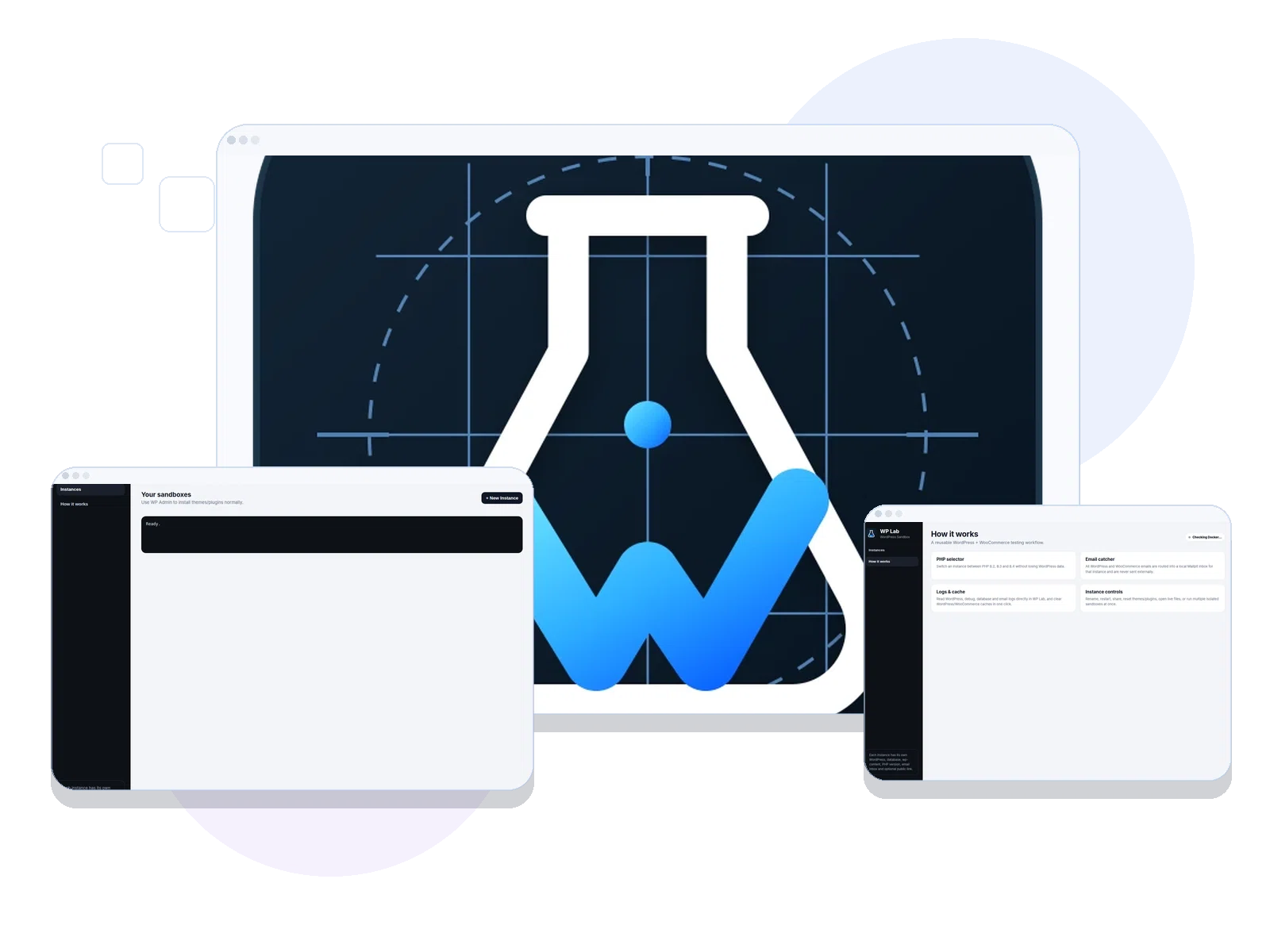
A local WordPress sandbox application for creating, testing, restarting and sharing multiple WordPress environments quickly.
 WordPressCMS
 WooCommerceCommerce
 ShopifyCommerce
 Custom ThemesDesign
 ExtensionsFunctionality
 PortalsSystems
Capabilities
What the product actually does.
Open wp-admin and WordPress folders
Restart individual sandboxes
Quick PHP version selection
Logs and cache controls
Email catcher workflow
Public-share workflow
The reason behind the product
Testing changes inside a client website can break live content or require repeated manual setup.
Keep each WordPress build isolated, resettable and ready for client review.
Built forWordPress developers, theme authors and QA teams
EnvironmentLinux desktop / local WordPress environments
Current contextLocal development utility; public source and releases on GitHub
How you use it
A practical workflow, not just a feature list.
The steps below describe the intended product flow; check the current build documentation for any setup requirements.
Create
Start a WordPress sandbox and select the environment you need.
Develop
Open wp-admin or the WordPress folder, test the theme or extension and inspect logs.
Check & share
Use the email catcher and cache controls, then share a review environment when configured.
Under the hood
What matters in day-to-day use.
Instance management
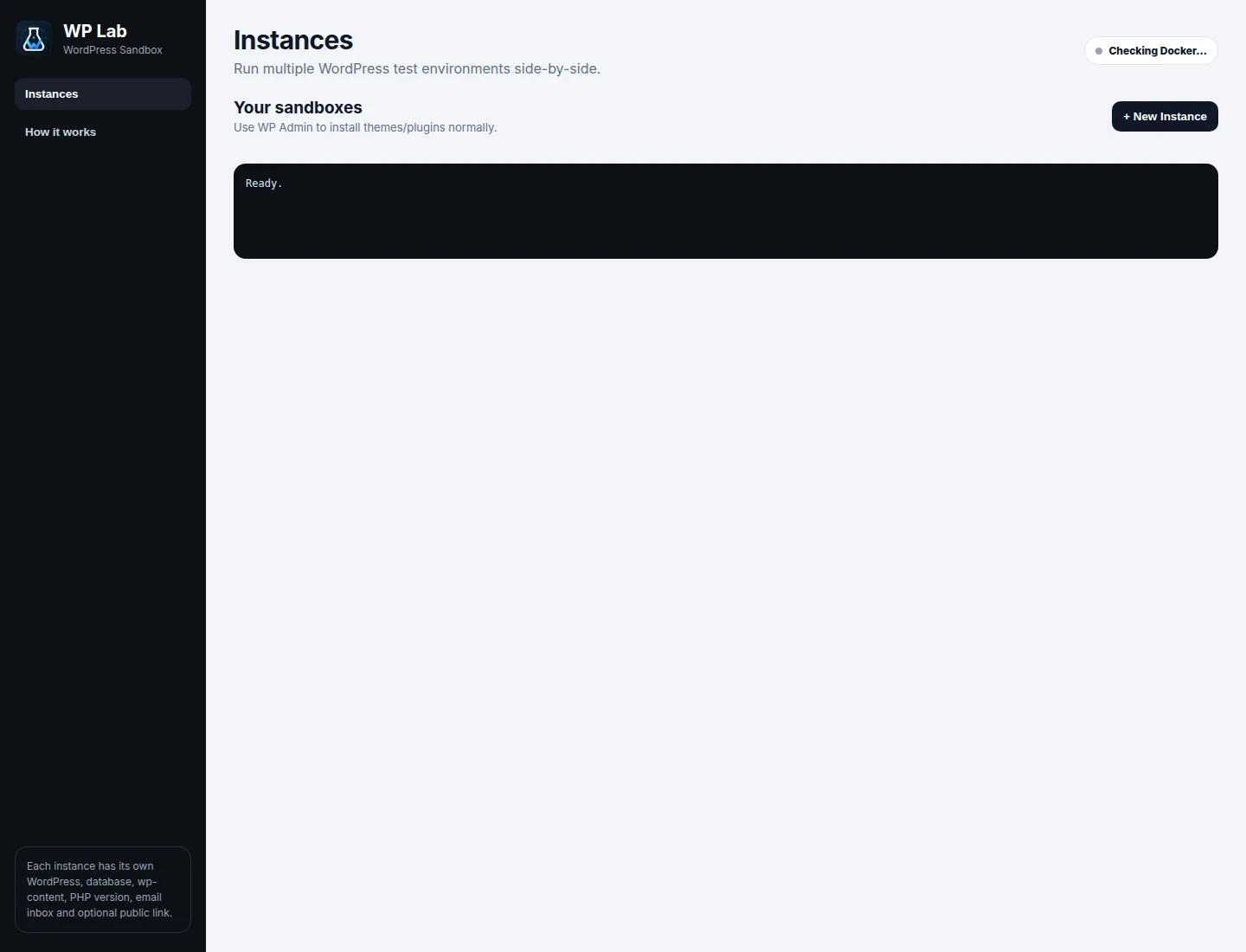
Create, name and restart separate WordPress environments without mixing client databases.
Developer controls
Open wp-admin, inspect logs, clear cache and adjust the local PHP environment.
Safe QA
Test theme changes, WooCommerce sample flows and outbound emails locally before deployment.
Connected capability
Where this fits into real delivery.
Explore the service area that uses similar methods and the wider tools behind it.
Need a similar system for your business?
Start a project