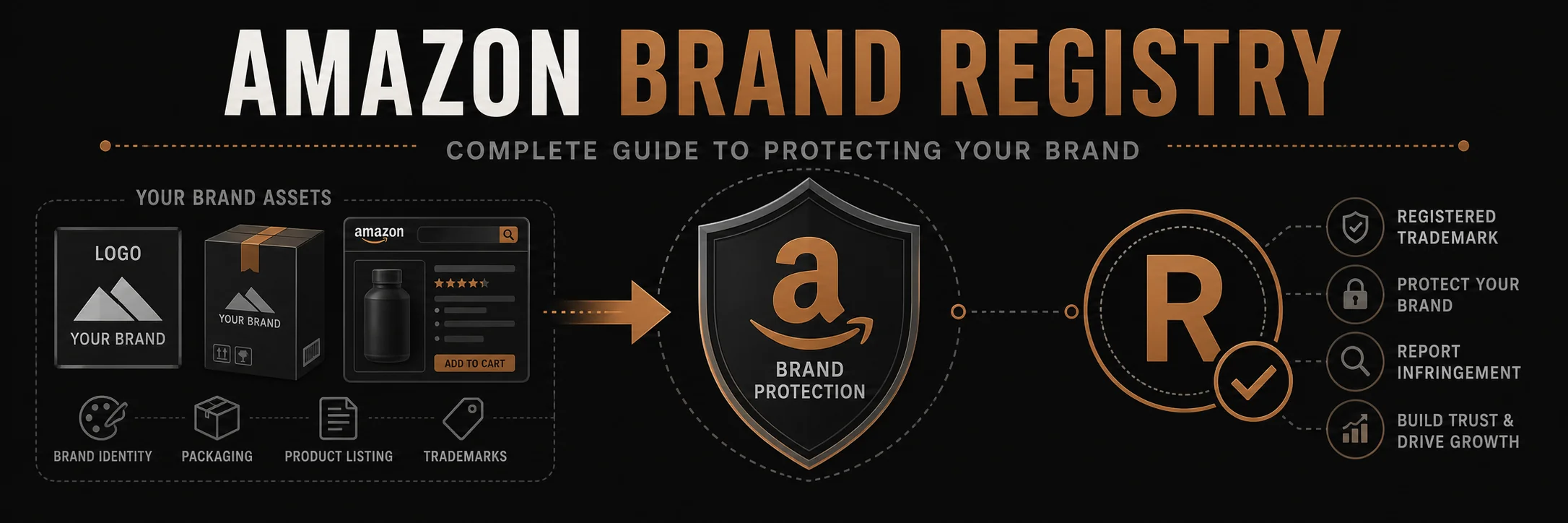
Amazon Brand Registry is a program designed to help brand owners protect their intellectual property and enhance their presence on Amazon. This comprehensive guide covers everything you need to know about enrolling in Brand Registry, its benefits, and how to maximize its value for your business.
Amazon Brand Registry gives you tools to protect your listings, fight hijackers, and unlock A+ Content and Sponsored Brands. This is how to enroll and use it.
What is Amazon Brand Registry?
Definition
Amazon Brand Registry is a program that gives brand owners more control over their product listings, helps protect intellectual property, and provides access to powerful brand-building tools on Amazon.
Purpose
- Brand Protection: Prevent unauthorized sellers and counterfeit products
- Listing Control: Manage how your products appear on Amazon
- Enhanced Tools: Access to A+ Content, Stores, and other brand features
- Intellectual Property: Report and remove infringing content
Benefits of Amazon Brand Registry
1. Brand Protection
- Report Violations: Report intellectual property violations
- Remove Counterfeits: Request removal of counterfeit listings
- Control Listings: Prevent unauthorized changes to your listings
- Trademark Protection: Enhanced protection for registered trademarks
2. Enhanced Brand Content
- A+ Content: Create rich product descriptions with images and text
- Brand Stores: Build dedicated brand storefronts
- Enhanced Images: Upload more product images
- Video Content: Add videos to product listings
3. Better Search and Discovery
- Brand Analytics: Access to search and performance data
- Sponsored Brands: Create brand-focused advertising campaigns
- Brand Dashboard: Centralized brand management
- Improved Rankings: Better control over product information
4. Listing Control
- Listing Authority: Control who can edit your listings
- Product Information: Manage product details and specifications
- Image Control: Control product images and media
- Content Management: Manage all brand-related content
Amazon Brand Registry Requirements
Eligibility Requirements
1. Trademark Registration
- Registered Trademark: Must have an active registered trademark
- Trademark Office: Must be registered with eligible trademark office
- Trademark Type: Text-based or image-based trademarks accepted
- Status: Trademark must be in “Registered” status (not pending)
2. Eligible Trademark Offices
- United States Patent and Trademark Office (USPTO)
- European Union Intellectual Property Office (EUIPO)
- United Kingdom Intellectual Property Office (UKIPO)
- Canadian Intellectual Property Office (CIPO)
- And other eligible offices (check Amazon for current list)
3. Account Requirements
- Seller Account: Must have active Amazon seller account
- Account Health: Good account standing required
- Product Listings: Must have products listed under your brand
- Brand Ownership: Must own or have authorization to represent the brand
What You’ll Need
- Trademark Registration Number: From trademark office
- Brand Name: Exact brand name as registered
- Product Images: Images showing your brand on products
- Website: Brand website (optional but recommended)
- Product Listings: Existing listings with your brand
How to Enroll in Amazon Brand Registry
Step 1: Prepare Your Trademark
- Ensure trademark is registered (not pending)
- Have trademark registration number ready
- Verify trademark office is eligible
- Confirm brand name matches trademark exactly
Step 2: Gather Required Information
- Trademark Details: Registration number, office, registration date
- Brand Information: Brand name, logo, website
- Product Images: Images showing brand on products
- Account Information: Seller Central account details
Step 3: Start Enrollment
- Log into Amazon Seller Central
- Navigate to Brand Registry section
- Click Enroll a Brand
- Enter brand name and select country
Step 4: Provide Trademark Information
- Enter trademark registration number
- Select trademark office
- Upload trademark certificate or registration document
- Verify trademark details
Step 5: Provide Brand Information
- Upload brand logo
- Provide brand website (if available)
- Upload product images showing brand
- Describe your brand and products
Step 6: Verify Identity
- Amazon will send verification code
- Code sent to trademark contact or brand owner
- Enter verification code to complete enrollment
- Wait for Amazon approval (typically 1-2 weeks)
Amazon Brand Registry Features
1. Brand Protection Tools
- Report a Violation: Report IP violations and counterfeits
- Project Zero: Automated protection for eligible brands
- Transparency: Product serialization program
- IP Accelerator: Faster trademark registration support
2. Enhanced Content Tools
- A+ Content: Rich product descriptions with images
- Brand Stores: Dedicated brand storefronts
- Enhanced Brand Content: Enhanced product listings
- Video Content: Add videos to product pages
3. Analytics and Insights
- Brand Analytics: Search and performance data
- Demographics: Customer demographic insights
- Search Terms: Popular search terms for your brand
- Competitive Analysis: Compare with competitors
4. Advertising Tools
- Sponsored Brands: Brand-focused advertising
- Stores: Promote brand storefronts
- Display Ads: Brand display advertising
- Video Ads: Brand video advertising
Brand Registry vs. Brand Registry 2.0
Original Brand Registry
- Basic brand protection
- Limited tools and features
- Manual reporting process
- Fewer analytics
Brand Registry 2.0 (Current)
- Enhanced protection tools
- More automation
- Better analytics
- Advanced features
- Project Zero eligibility
Project Zero
What is Project Zero?
Project Zero is an invite-only program that gives brands automated tools to remove counterfeit listings. It’s available to Brand Registry members who meet additional requirements.
Benefits
- Automated Protection: Self-service counterfeit removal
- Product Serialization: Track individual products
- Faster Removal: Counterfeits removed within hours
- Better Control: More control over brand protection
Requirements
- Active Brand Registry enrollment
- Proven track record of reporting violations
- High-volume brand with counterfeiting issues
- Invitation from Amazon
Brand Registry Best Practices
1. Complete Your Brand Profile
- Upload high-quality brand logo
- Provide complete brand information
- Add brand website and social media
- Keep information updated
2. Use Enhanced Content
- Create A+ Content for all products
- Build a Brand Store
- Add videos and enhanced images
- Regularly update content
3. Monitor Your Brand
- Regularly check for unauthorized sellers
- Monitor product listings for changes
- Review customer feedback and reviews
- Track brand performance metrics
4. Protect Your Intellectual Property
- Report violations promptly
- Document trademark ownership
- Monitor for counterfeits
- Use Project Zero if eligible
Common Brand Registry Mistakes
Mistake 1: Incomplete Enrollment
- Missing required information
- Incorrect trademark details
- Poor quality images
- Solution: Double-check all information before submitting
Mistake 2: Not Using Enhanced Features
- Not creating A+ Content
- Not building Brand Store
- Missing out on analytics
- Solution: Take advantage of all available features
Mistake 3: Poor Brand Protection
- Not monitoring for violations
- Slow response to counterfeits
- Incomplete reporting
- Solution: Actively protect your brand
Mistake 4: Inactive Account
- Not logging in regularly
- Not updating information
- Missing feature updates
- Solution: Stay active and engaged
Brand Registry for Different Business Types
Small Businesses
- Benefits: Brand protection and enhanced content
- Focus: Complete enrollment and use basic features
- Strategy: Build brand presence gradually
- Investment: Time and effort, minimal cost
Medium Businesses
- Benefits: Full feature access and analytics
- Focus: A+ Content, Stores, and advertising
- Strategy: Maximize brand presence and protection
- Investment: Content creation and management
Large Businesses
- Benefits: Project Zero, advanced analytics
- Focus: Comprehensive brand protection and optimization
- Strategy: Full feature utilization and automation
- Investment: Dedicated resources and tools
Brand Registry Costs
Enrollment Cost
- Free: Brand Registry enrollment is free
- Trademark Cost: Must have registered trademark (varies by country)
- No Monthly Fees: No ongoing subscription fees
Additional Costs
- A+ Content: Free (but may need design resources)
- Brand Stores: Free to create
- Advertising: Pay-per-click for Sponsored Brands
- Professional Services: If hiring help for enrollment or content
Maintaining Brand Registry
Ongoing Requirements
- Active Account: Maintain active seller account
- Trademark Status: Keep trademark registration active
- Compliance: Follow Amazon policies
- Updates: Keep brand information current
Renewal
- Automatic: Brand Registry doesn’t require manual renewal
- Trademark Renewal: Must renew trademark with trademark office
- Account Health: Maintain good account standing
- Compliance: Continue following Amazon policies
Common Questions About Brand Registry
Do I need a trademark to enroll?
Yes, you need an active registered trademark (not pending) from an eligible trademark office.
How long does enrollment take?
Typically 1-2 weeks after submitting complete information and verification.
Is Brand Registry free?
Yes, enrollment is free, but you must have a registered trademark (which has costs).
Can I enroll multiple brands?
Yes, you can enroll multiple brands if you own multiple trademarks.
What if my trademark is pending?
You must wait until your trademark is registered (not pending) before enrolling.
Conclusion
Amazon Brand Registry is essential for brand owners selling on Amazon. It provides brand protection, enhanced content tools, and valuable analytics that can significantly improve your Amazon presence and sales.
If you own a registered trademark, enrolling in Brand Registry should be a priority. The benefits—from brand protection to enhanced content capabilities—far outweigh the effort required for enrollment.
Need help with Amazon Brand Registry? Contact advertpreneur for expert Amazon brand management services. We help brands enroll in Brand Registry and maximize its benefits.
Architect Signature
Haseeb
Leads all web development and design at Advertpreneur. With a background in graphic design since 2009, he builds storefronts that rank on Google and convert the traffic they earn through speed and SEO-structured architecture.