 Advertpreneur
 Linux AI Assistant
Fatir
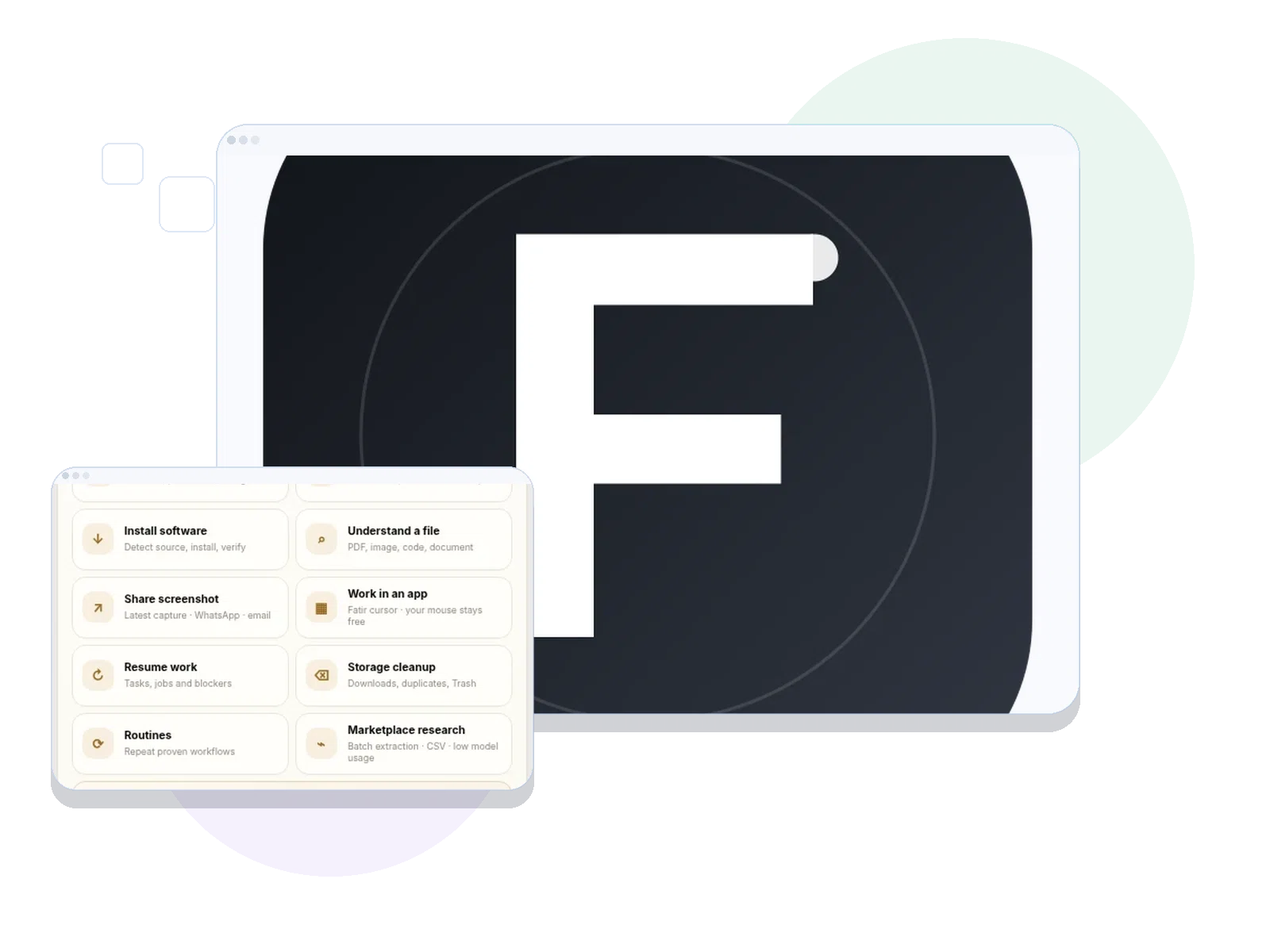
A resident Linux assistant designed for local control, background routines, browser workflows and desktop automation.
 WordPressCMS
 WooCommerceCommerce
 ShopifyCommerce
 Custom ThemesDesign
 ExtensionsFunctionality
 PortalsSystems
Capabilities
What the product actually does.
Local model support
Background routines
Browser automation
File and software workflows
Companion Android direction
The reason behind the product
Small desktop actions, browser operations and repeated checks should not require switching between many apps.
A resident assistant that can help orchestrate local tasks with model and tool integrations.
Built forLinux desktop users automating repetitive local work
EnvironmentLinux Mint / local AI / desktop integration
Current contextLinux development project; feature support varies by build and installation
How you use it
A practical workflow, not just a feature list.
The steps below describe the intended product flow; check the current build documentation for any setup requirements.
Ask
Use the resident desktop assistant for a local task or information request.
Connect
Route supported tasks to local models, desktop controls or browser/file tools.
Review
Observe the result and retain human control of sensitive system changes.
Under the hood
What matters in day-to-day use.
Desktop companion
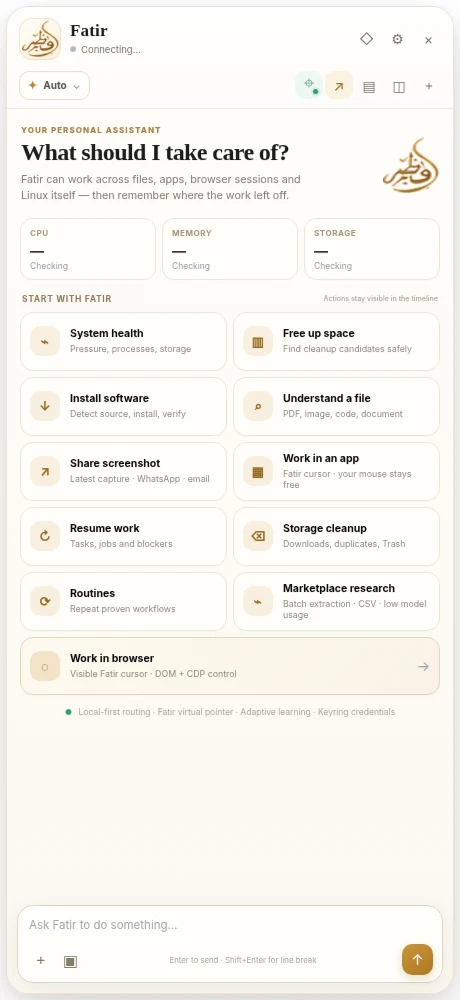
Cinnamon applet and sidebar bring assistance into the desktop workflow.
Model choices
Local Ollama models and connected cloud engines can support different tasks.
Automation direction
Browser actions and recurring local routines are built into the project direction; capabilities depend on setup and version.
Connected capability
Where this fits into real delivery.
Explore the service area that uses similar methods and the wider tools behind it.
Need a similar system for your business?
Start a project