 Advertpreneur
 Developer Tool
ChatGPT MCP Bridge
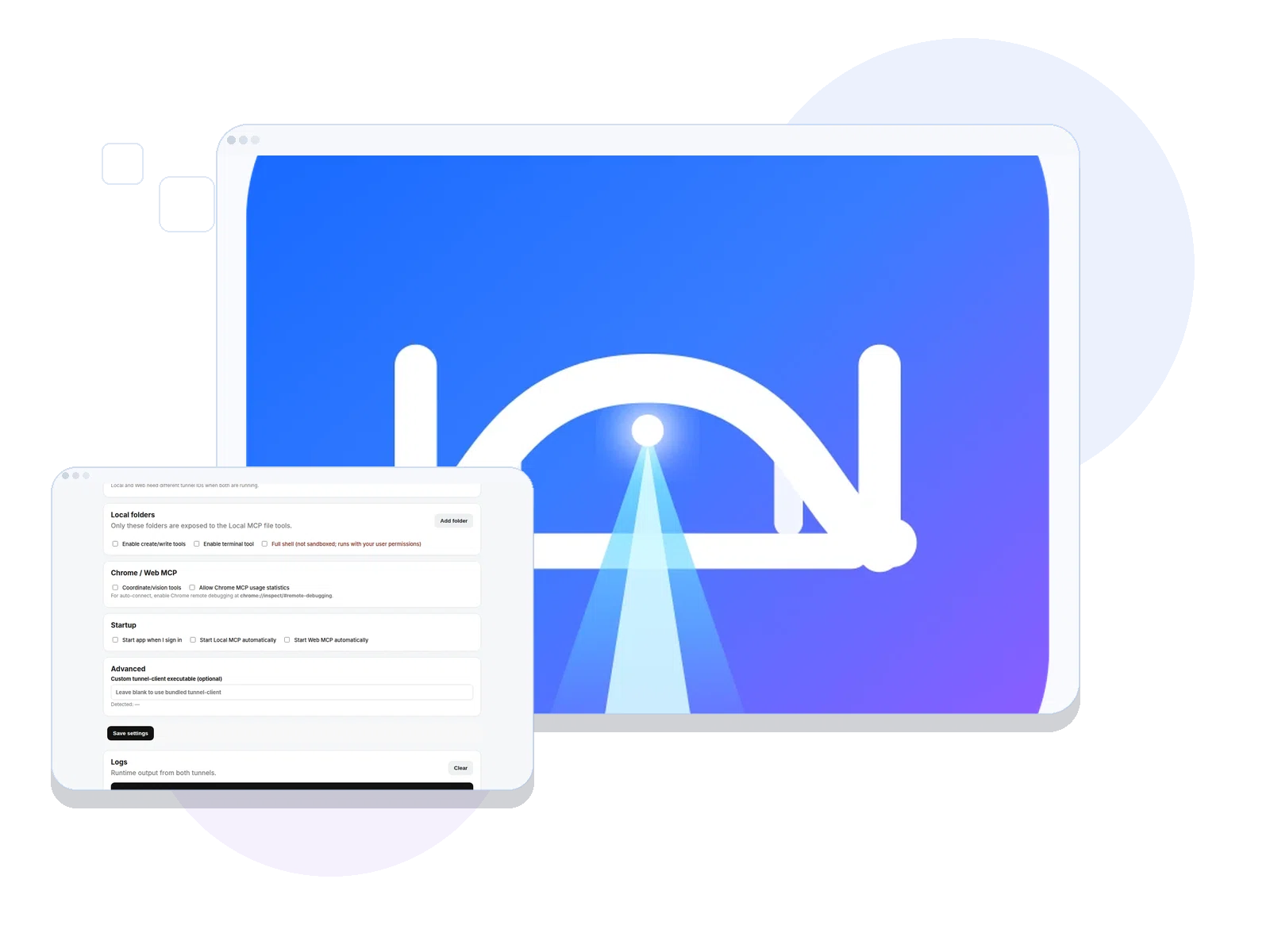
A local bridge that exposes files, shell and browser workflows to ChatGPT through MCP.
 WordPressCMS
 WooCommerceCommerce
 ShopifyCommerce
 Custom ThemesDesign
 ExtensionsFunctionality
 PortalsSystems
Capabilities
What the product actually does.
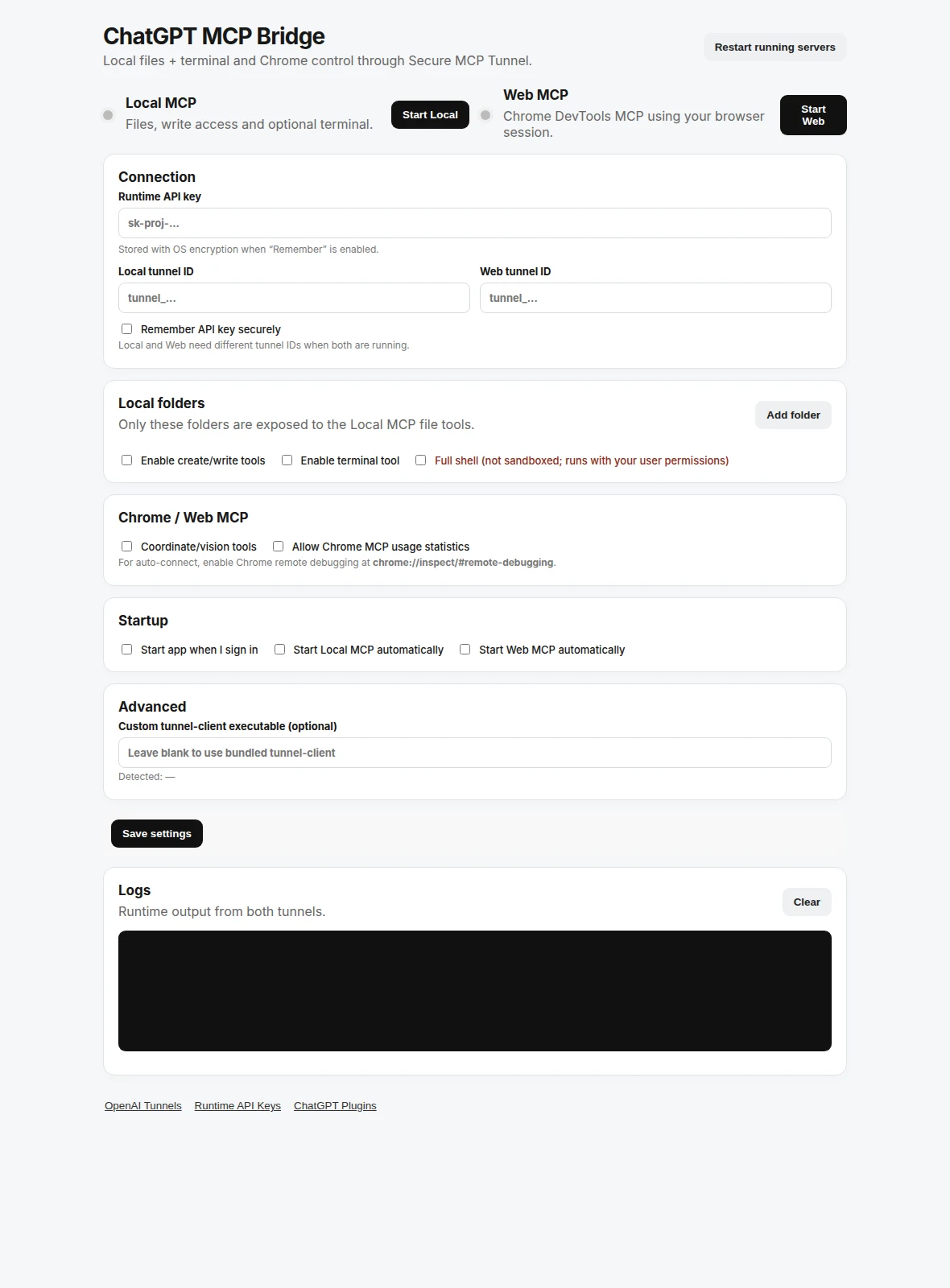
Read/write modes
Shell-enabled profile
Persistent bridge/tunnel workflow
Linux and Windows direction
Tray application workflow
The reason behind the product
Cloud chat cannot directly inspect local working files or shell state without an authorized connection.
A controllable bridge between ChatGPT and allowed local file, shell and browser workflows.
Built forDevelopers and teams needing authorized access to local tools from ChatGPT
EnvironmentLinux / Windows bridge and MCP profiles
Current contextPublic source and desktop bridge builds; permissions must be configured locally
How you use it
A practical workflow, not just a feature list.
The steps below describe the intended product flow; check the current build documentation for any setup requirements.
Choose access
Select a read-only, read/write or shell-enabled local profile.
Connect
Run the local bridge and establish the supported MCP tunnel.
Operate
Read files or run permitted operations through the connected profile.
Under the hood
What matters in day-to-day use.
Access profiles
Different modes distinguish read-only access from file writes and shell tasks.
Desktop bridge
Tray workflow and tunnel status keep the local endpoint manageable.
Browser integration
Chrome MCP is available as an optional browser connection in supported setups.
Connected capability
Where this fits into real delivery.
Explore the service area that uses similar methods and the wider tools behind it.
Need a similar system for your business?
Start a project